
Remote support
Start a remote session only when asked by your Allied technician.
Allied Business Systems - Remote Support with TeamViewer
Note: This is to be performed only when asked by a technician. The application requires a tech to accept your ticket and initiate the remote session. Please read these instructions in entirety before continuing.
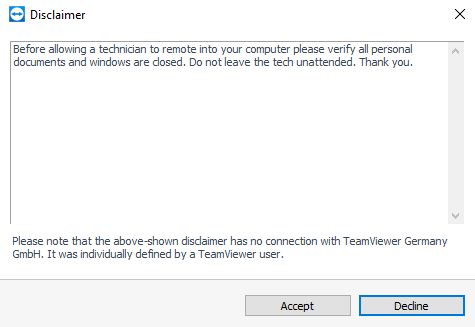
Go to https://get.teamviewer.com/allsys. The download will start automatically.Select Accept on the disclaimer
Once the technician claims the ticket, a session code will be generated. At this point a tech can now connect to your computer remotely.
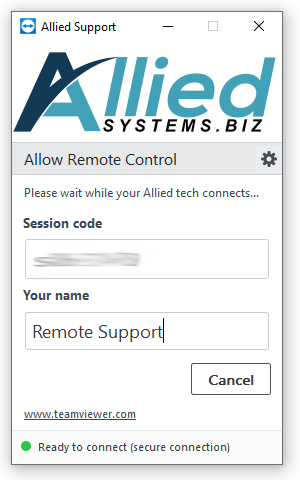
Note: Unless asked specifically for the session code, it will appear in the tech's remote control application or via our ticketing system at TeamViewer.com
Remember to close the application when the support session is over to prevent any unauthorized access.